
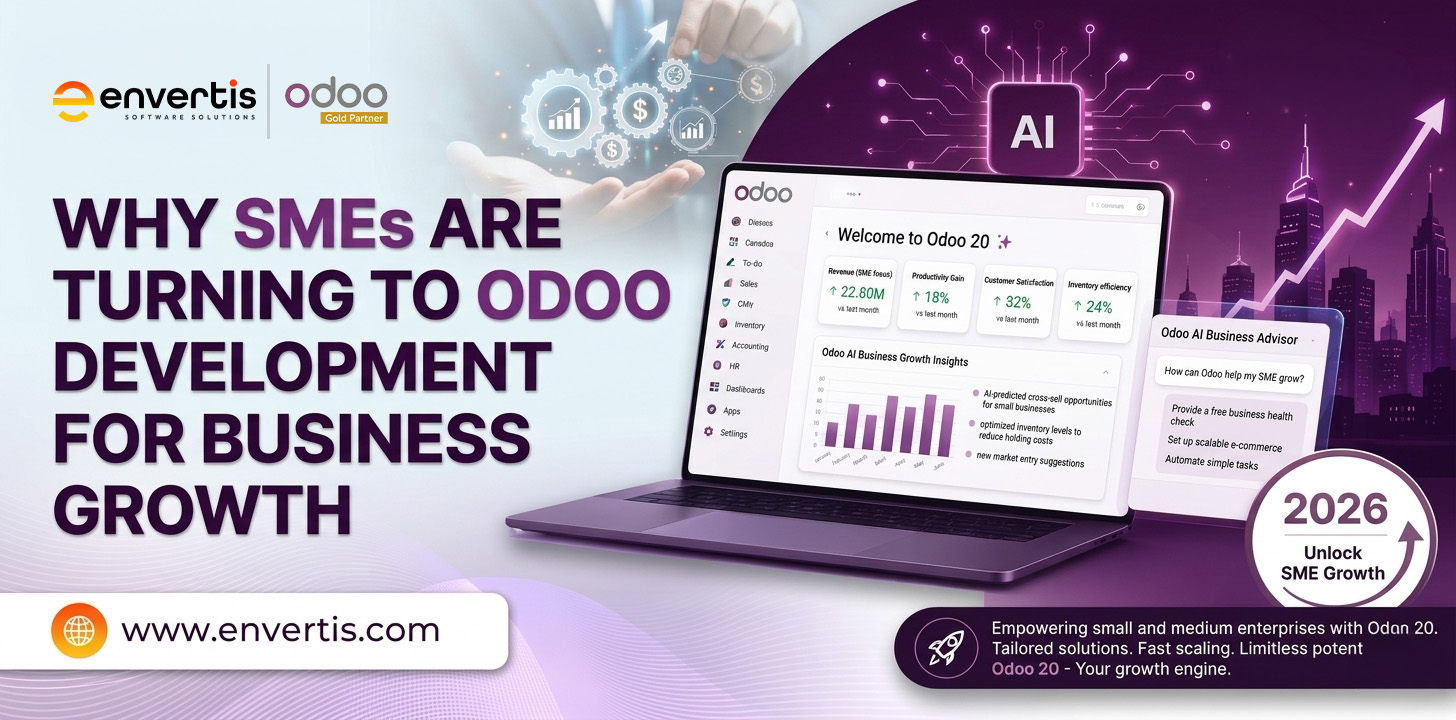
Small and medium-sized enterprises (SMEs) face increasing pressure to improve productivity, control operating costs and respond quickly to changing customer expectations. Managing sales, accounting, inventory and other business functions through disconnected applications can create unnecessary complexity, increase manual work and make business decisions more difficult.
Odoo development offers SMEs an opportunity to simplify these challenges through an integrated Enterprise Resource Planning (ERP) system. With its modular architecture, customisation capabilities and range of business applications, Odoo enables organisations to build a system that aligns with their operational requirements and growth plans.
Unlike traditional ERP approaches that may require substantial upfront investment, Odoo offers different deployment and licensing options that businesses can evaluate based on their budgets. SMEs can begin with the applications they need and expand their ERP capabilities as their operations evolve.
This article explores what Odoo ERP software is and how Odoo development can help SMEs improve efficiency, manage resources and support sustainable business growth.
What Is Odoo ERP Software?
Odoo is an integrated business management platform that brings multiple business applications together within a unified environment. Its applications cover essential functions such as customer relationship management (CRM), accounting, sales, purchasing, human resources, manufacturing, inventory management and supply chain operations.
The platform has grown quickly.
At Odoo Experience 2026 in Brussels, Odoo CEO Fabien Pinckaers reported that the platform now has 28 million users worldwide, with around 80% on free plans and 20% on paid plans, according to The Brussels Times.
Through Odoo development, businesses can configure existing applications, add modules, and develop tailored functionality to meet specific operational requirements. This flexibility helps SMEs align their ERP systems with their workflows rather than relying entirely on generic, pre-packaged software.
Odoo offers two primary editions:
- Odoo Community: An open-source edition that provides access to core business applications, subject to the capabilities of the relevant version.
- Odoo Enterprise: A commercial edition that includes additional features, services and capabilities under its applicable licensing arrangements.
Odoo’s modular approach lets businesses select applications based on immediate priorities and extend their systems as new requirements emerge. However, the total cost of ownership depends on factors such as the edition, hosting, implementation, customisation, integrations, maintenance and user requirements.
Notable Odoo capabilities include modular applications, configurable workflows, third-party integrations, mobile accessibility, modern user interfaces, and a broad ecosystem of ready-made apps.
Key Benefits of Odoo Development for SMEs
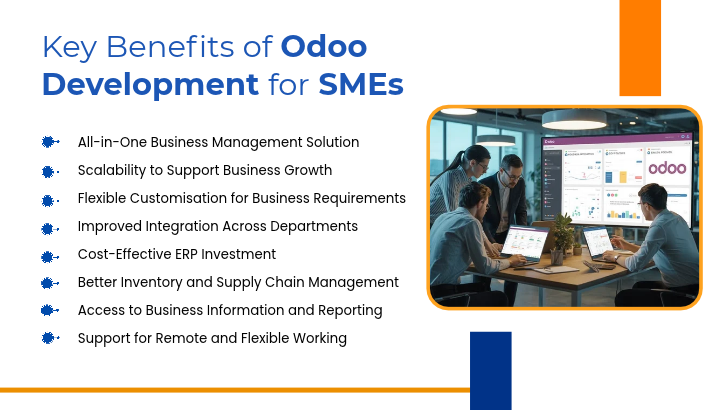
1. All-in-One Business Management Solution
Managing separate applications for sales, accounting, procurement, human resources and inventory can increase administrative workloads and create information silos. Odoo ERP helps address this challenge by bringing multiple business functions into a connected platform.
For SMEs, this means teams can work with shared business information and reduce the need to switch between disconnected systems. For example, sales orders can connect with inventory operations and invoicing workflows, helping employees coordinate activities more efficiently.
By consolidating relevant applications, businesses can simplify daily operations and improve cross-department visibility.
2. Scalability to Support Business Growth
As SMEs expand, their operational requirements often become more complex. They may need to manage additional warehouses, recruit more employees, introduce new sales channels or handle higher order volumes.
Odoo supports a modular approach that allows businesses to extend their ERP environment as their needs change. An organisation might initially implement CRM and invoicing before introducing manufacturing, purchasing or advanced inventory capabilities.
This flexibility helps businesses align technology investments with their growth objectives. With the right system architecture and implementation planning, Odoo development can also support evolving workflows and additional integrations.
3. Flexible Customisation for Business Requirements
Every business has its own processes, approval structures and reporting requirements. Standard software may not always accommodate these differences without adjustments.
Odoo development lets businesses tailor their ERP systems through configuration, additional modules, workflow automation, and custom functionality. SMEs can adapt applications to support their specific operating procedures, rather than forcing every department to follow unsuitable processes.
For example, a wholesale distributor might require customised pricing rules, credit approval workflows or automated replenishment processes. A manufacturer may need specialised production reporting or quality-control procedures.
Customisation should focus on genuine business requirements, with careful consideration of maintainability and future upgrades. Getting this right early pays off.
Panorama Consulting’s 2026 ERP Report found that more than a quarter of ERP projects went over budget, and the most common cause was an unexpected need for extra technology that the business did not identify during selection.
4. Improved Integration Across Departments
Disconnected systems can lead to duplicated data entry, inconsistent records and delays in sharing important information.
Odoo connects business applications so information can flow between relevant departments. Depending on the configuration and integrations, a customer order may trigger inventory checks, delivery activities and invoicing processes.
This connected approach can reduce repetitive administrative work and provide employees with a clearer understanding of business transactions.
For SMEs, better integration can also support more coordinated communication between sales, finance, purchasing and operations teams.

Not sure where Odoo fits in your business?
Let our certified consultants review your current systems.5. Cost-Effective ERP Investment
Budget limitations are a significant consideration for many SMEs evaluating ERP software. Odoo provides an open-source Community edition alongside licensed Enterprise options, giving businesses different approaches to consider.
The Community edition does not carry an Odoo software licence fee, while Enterprise subscriptions involve applicable licensing costs. Both approaches may require expenditure on implementation, hosting, customisation, maintenance and other services, depending on the selected solution.
The modular structure also lets businesses prioritise applications based on their immediate needs. Rather than implementing every possible function at once, SMEs can plan a phased rollout that aligns with available resources.
A thorough assessment of total ownership costs helps businesses understand the required investment and avoid unexpected expenses.
6. Better Inventory and Supply Chain Management
Inventory accuracy and supply chain coordination are essential for businesses that manage physical products. Limited stock visibility can contribute to overstocking, stockouts, delayed deliveries and unnecessary purchasing costs.
Odoo’s inventory and purchasing applications can help businesses monitor stock movements, manage warehouse operations and coordinate replenishment activities.
With the right configuration, organisations can set stock rules, track products across locations, and link purchasing activities to operational demand.
These capabilities can help SMEs improve stock visibility, coordinate fulfilment activities and make more informed inventory decisions.
7. Access to Business Information and Reporting
Business owners and managers need reliable information to understand performance, identify operational issues and plan future activities.
By consolidating information from connected applications, Odoo can provide a more consistent view of business operations. Reporting capabilities can help teams review sales activity, inventory movements, financial transactions and other operational indicators.
Custom reports and dashboards can also be developed to reflect the metrics that matter to a particular organisation.
The value of these reports depends on data quality, appropriate configuration and consistent business processes. When these foundations are in place, decision-makers can spend less time gathering information from separate sources.
8. Support for Remote and Flexible Working
SMEs increasingly need employees to access business information across offices, warehouses and other work locations.
Depending on the chosen hosting arrangement and system configuration, Odoo can be accessed through supported web interfaces and mobile capabilities. This can help authorised employees complete tasks and review information without being restricted to a single office location.
Conclusion: Build a More Connected Business with Odoo
Odoo development gives small and medium-sized enterprises a way to bring essential business functions together, customise workflows and extend their technology capabilities as operational needs evolve. From improving departmental coordination to supporting inventory visibility and business reporting, a carefully implemented system can help organisations establish structured, connected processes.
The right implementation starts with understanding existing challenges, defining measurable objectives, and selecting applications that deliver practical value. SMEs should also evaluate licensing, implementation, integration, hosting, and ongoing maintenance requirements before deciding.
For Australian businesses exploring ERP modernisation, Envertis Software Solutions offers Odoo implementation, customisation and support services. As an Odoo Gold Partner in Australia, Envertis can help organisations assess their requirements and explore an ERP solution aligned with their business processes and growth plans.
Ready to grow on one connected platform?
Speak with an Odoo expert today.Frequently Asked Questions
1. What is Odoo development, and how does it help SMEs?
Odoo development is the process of setting up, customising and extending Odoo to suit how a business works. For SMEs, it means one connected system for sales, inventory, accounting, HR and more. Instead of juggling separate tools, teams work from the same data, saving time and reducing errors.
2. Why are SMEs choosing Odoo over other ERP systems?
Many SMEs choose Odoo because it is modular and cost-effective. You can start with a few apps, such as CRM and invoicing, then add more as you grow. Its open-source base also gives you more freedom to customise than many locked-down ERP platforms.
3. Is Odoo affordable for small and medium-sized businesses?
Yes, in most cases. Odoo’s pricing scales with the number of users and apps you need, so you don’t pay for features you don’t use. The bigger savings often come later, through less manual work, fewer software subscriptions, and better cost visibility.
4. Can Odoo be customised to fit my specific business processes?
Absolutely. Custom Odoo development lets you build new modules, adjust workflows and create reports that match how your team actually works. This is especially useful for businesses with unique processes, such as manufacturers, wholesalers or service firms with complex billing.
5. How long does an Odoo implementation take for an SME?
It depends on the scope. A simple setup with a few standard apps may take a few weeks. A larger project with data migration, custom modules and integrations can take a few months. Working with an experienced Odoo partner helps keep the timeline realistic and the rollout smooth.
6. Can Odoo integrate with the tools we already use?
Yes. Odoo can connect with payment gateways, eCommerce platforms, shipping providers, banking feeds and many third-party apps. If no ready-made connector exists, developers can build a custom integration so your existing tools and Odoo share data automatically.
