
It is 7.30 on a Monday morning. A pallet of steel brackets arrived on Friday. Your team signed for it and put it straight on the shelf. Nobody checked the count.
Now your production line needs 400 brackets. Only 340 are there. The line stops. Your planner rings the supplier. Your customer order slips by two days.
Sound familiar?
This happens when goods move with no clear checkpoint. Odoo internal stock transfers look right on screen, but the shelf tells a different story.
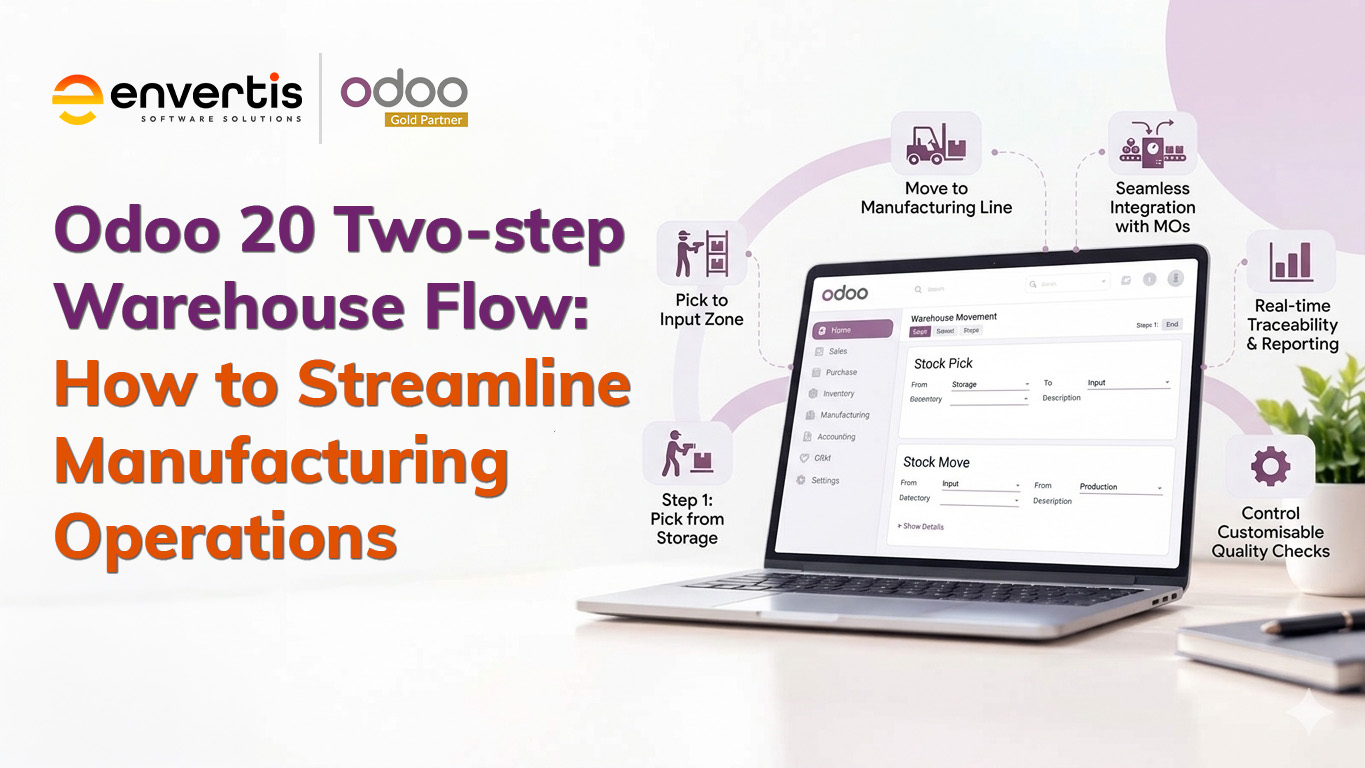
The Odoo 20 two-step warehouse flow fixes this. It adds one simple check when goods come in, and one when goods go out. Every move is scanned, logged and easy to see.
In this blog, you will learn how it works and why it matters for Australian manufacturers. You will also see how an experienced Odoo Gold Partner sets it up the right way.
What Is the Odoo 20 Two-step Warehouse Flow?
Sort of a word on ERP first. Enterprise resource planning is usually abbreviated as ERP. Think of it as a single shared memo pad for all administrative duties. Sales, stock, buying and accounts all write in the same book. Odoo software is an ERP built from apps called modules. A module is like a room in a house: you open only the rooms you need, like Inventory, Purchase, Manufacturing, and so on.
In the Inventory module, goods follow a route. A route is a predefined path, like a bus route in the city. Odoo inventory routes show where the goods should go after they arrive at a location.
By default, goods travel one way, from the truck to the shelf. The two-step version also allows a flow of movement, meaning there is one location in between. That stop is your check zone. Odoo calls this feature Odoo multi-step routes. It has been part of Odoo warehouse management for many versions. Odoo 20 was unveiled at Odoo Experience in Brussels in September 2026, and it carries this feature forward with further screen and usability updates.
Two-step Receipt and Two-step Delivery, Explained Simply
Odoo Two-step Receipt: Input, then Stock
With an Odoo two-step receipt, goods first land in an Input zone. Your team counts them, checks quality and labels them. Only then does Odoo software create a second move from Input to Stock.
Here is an everyday example. A parcel arrives at your home. You open it on the kitchen bench and check that nothing is broken. Then you put it away. That bench is your Input zone.
Odoo Two-step Delivery: Pick, then Ship
An Odoo two-step delivery works the other way. Staff pick goods from the shelf and move them to an Output zone. From there, the carrier collects them.
Each step is its own transfer. These are Odoo two-step delivery internal stock transfers: moves between your own locations, not to a customer. You can see who moved what, and when.
Manufacturing has its own version. In the warehouse settings, you can choose to pick components, then manufacture. Parts move from Stock to a pre-production area before the job starts. Your operators never hunt for parts mid-shift.
6 Different Ways a Two-step Flow Streamlines Manufacturing Processes
Here is how the Odoo 20 two-step warehouse flow lifts your Odoo manufacturing operations day to day.
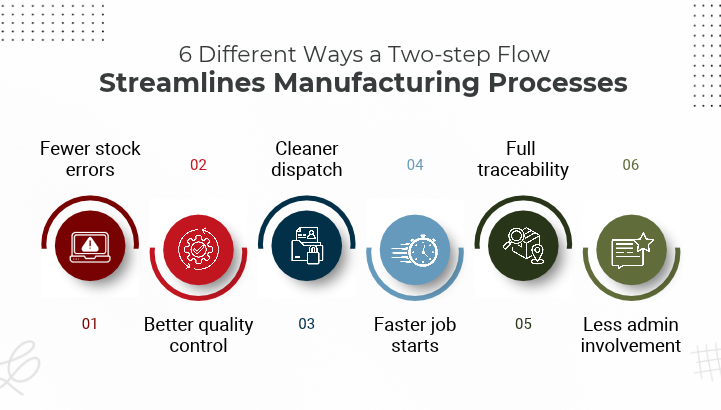
1. Fewer stock errors. Count every pallet in the Input zone before it reaches the shelf. Catch short or damaged deliveries early.
2. Better quality control. You can add a quality check in the Input zone. Faulty parts never reach your production line.
3. Faster job starts. With pick-then-manufacture, components wait in a staging area. Your team starts each job on time.
4. Cleaner dispatch. Packers work from the Output zone, not the main shelves. Wrong items rarely leave the building.
5. Full traceability. Each move has a date, a user and a location. If a customer asks about a batch, you find the answer in seconds.
6. Less admin involvement. The two-step receipt creates the second Odoo inventory transfer process for you. This Odoo stock movement automation means no extra paperwork. Automation simply means the system does the next step by itself, like a dishwasher that drains on its own.
This is the heart of the Odoo 20 two-step warehouse flow. Good Odoo manufacturing inventory management means you never start a job you cannot finish. Your stock count stays right, and your team stops hunting for parts.
Example: A Perth metal workshop builds 50 brackets a day. Before, workers walked to the racks three or four times per job. Now one picker stages all parts each morning. The line starts on time.
Envertis Tip: Do not switch every warehouse to two steps on day one. Start with your busiest receiving dock. Run it for two weeks, fix the bumps, then roll it out to dispatch.
Why Odoo 20 Inventory Management Matters for Australian Manufacturing Businesses
Many Australian manufacturers still run stock on spreadsheets or an old system. Others use one tool for buying and another for the factory. Nothing talks to anything else. That gap costs money. Your stock count drifts. Your team keys the same order twice. Your cash sits in parts you cannot find.
Odoo ERP for manufacturing closes that gap. Your purchase order, receipt, production job and delivery all live in one place. When stock is checked in the Input zone, your planner sees it straight away. Timing matters too. Odoo releases one major version each year. Once Odoo 20 ships, Odoo 17 drops out of official support. If you run an older version, now is a good time to plan your next step.

Ready to stop chasing stock?
Talk to an Envertis Odoo consultant about your warehouse.
We map your current flow and show you where a two-step setup saves the most time.
How to Set Up Two-Step Routes in Odoo 20
Strong Odoo warehouse management starts with the right Odoo warehouse configuration. It takes minutes once you know where to click. Menu names can shift a little between versions, but the path stays the same.
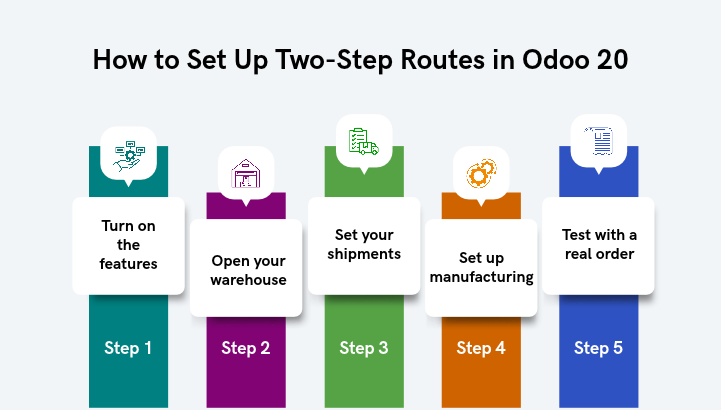
- Step 1: Turn on the features. Go to Inventory, then Configuration, then Settings. Tick Storage Locations and Multi-Step Routes, then save.
- Step 2: Open your warehouse. Go to Configuration, then Warehouses. Pick the site you want to change.
- Step 3: Set your shipments. For incoming goods, choose Input, then Stock (2 steps). For outgoing goods, choose Output, then Deliver (2 steps).
- Step 4: Set up manufacturing. Choose to pick components, then manufacture (2 steps).
- Step 5: Test with a real order. Confirm a purchase order and open the receipt. You should see two transfers, one after the other.
That is the full Odoo manufacturing operations and transfer process. From here, the Odoo 20 two-step warehouse flow runs the same way every time. Your Odoo warehouse workflow no longer depends on who is on shift.
Tips to avoid common mistakes
• Map your shelves and bins in Odoo software before you start.
• Use a barcode scanner so staff do not type numbers by hand.
• Train your team on why each step matters.
• Start with two steps. Add a third step later if you need it.
Odoo 20 was unveiled in September 2026. Early previews point to simpler Odoo 20 inventory management, with a clearer Odoo internal stock transfers view and better barcode receiving. Check the final screens in your own system.
Conclusion: How Envertis Helps Make Small Checkpoints, Big Savings
Stock errors are not bad luck. They are revenue leaks, and the right ERP can stop them. The Odoo 20 two-step warehouse flow adds one check on the way in and one on the way out. That small change means fewer short counts, faster job starts and cleaner dispatch. Your team stops chasing Odoo internal stock transfers and starts shipping on time.
Envertis has helped Australian businesses run Odoo since 2017. As an Odoo Gold Partner with more than 80+ Odoo implementations, we know where warehouses quietly lose money. Most businesses spot several revenue leaks in their very first session with us. Yours could be sitting on your receiving dock right now.
Envertis Tip: Name your zones the way your team talks. “Dock A Check” is clearer than “WH/Input”. Clear names cut training time and scanning mistakes. Then add putaway rules, so Odoo suggests the right shelf after each check.
Ready to see it work in your own warehouse?
Get a clear map of your warehouse flow and the fixes that matter most, at no cost.
The sooner you book, the sooner the leaks stop.
Frequently Asked Questions
Can I use the two-step flow in both Odoo Community and Enterprise?
Yes. Multi-step routes are part of the core Inventory app. Both editions support two-step receipt and two-step delivery.
Can I use three steps instead of two?
Yes. Odoo also offers three-step receipts (Input, Quality, Stock) and three-step deliveries (Pick, Pack, Ship). Start with two steps. Add a third once your volume grows.
Will a two-step flow slow down my warehouse?
Not in practice. The extra move takes seconds with a barcode scanner. It saves the hours you would spend fixing wrong counts later.
How does this help Odoo manufacturing inventory management?
It keeps raw materials, work in progress and finished goods in clear, separate zones. Good Odoo manufacturing inventory management means your planner always knows what is ready to use.
How long does it take to set up two-step routes in Odoo 20?
The settings take only minutes. Most of the real work is mapping your zones, training your team and testing with real orders. Plan for that, not just the clicks.
Do I need barcode scanners for a two-step flow?
No, but they help a lot. Your team can confirm each Odoo inventory transfer process on screen. A scanner with Odoo’s Barcode app, part of Odoo Enterprise, makes each move faster and cuts typing mistakes.
Can different products follow different routes?
Yes. You can set Odoo inventory routes for a single product or an entire product category. For example, fragile or high-value items can go through an extra check while everyday stock moves straight through.
Can I switch from one step to two steps without losing stock data?
Yes. Changing your Odoo warehouse configuration adds the new Input and Output zones. Your current stock stays where it is. Finish any open receipts first, so nothing gets stuck between steps.
