
Odoo 20 is out, and most Australian business owners are not lining up to quiz the software about its fancy new AI tools. They just want to know, “Should I fork out for Enterprise, or is the free Community edition enough?”
It is a fair question. Community doesn’t cost a cent. But Enterprise comes with a per-user subscription fee, which just went up in Australia. Get this decision wrong, and you will either shell out for features you will never use or end up stuck at BAS time with a system your accountant cannot stand.
This guide walks through the Odoo 20 Community vs Enterprise decision: the real differences, the true costs and the compliance traps, so you can make the call with confidence before you sign anything.
What Is New in Odoo 20 and Why the Edition Question Matters Now
Odoo unveiled version 20 at Odoo Experience in Brussels in late September 2026, with general availability rolling out from October. The headline Odoo 20 features include:
- An AI agent that can create and update records, not just answer questions
- Voice interaction with the AI assistant
- An offline mode so supported users can keep working without a connection
- A new payroll dashboard and a cleaner pay run flow
- Project profitability dashboards with custom KPIs
Here is the catch. Several of these Odoo 20 features extend apps that only ship with Enterprise, such as Payroll and Planning. If a new feature is the reason you are looking at Odoo software, confirm which edition includes it before you build a business case around it.
Both editions are popular for good reason.
According to a 2026 report in The Brussels Times, Odoo now has around 28 million users worldwide, with roughly 80 per cent on free plans and 20 per cent paying.
In other words, plenty of businesses start free, and a meaningful share decides that the paid edition is worth it.
The Difference Between Odoo 20 Community and Enterprise
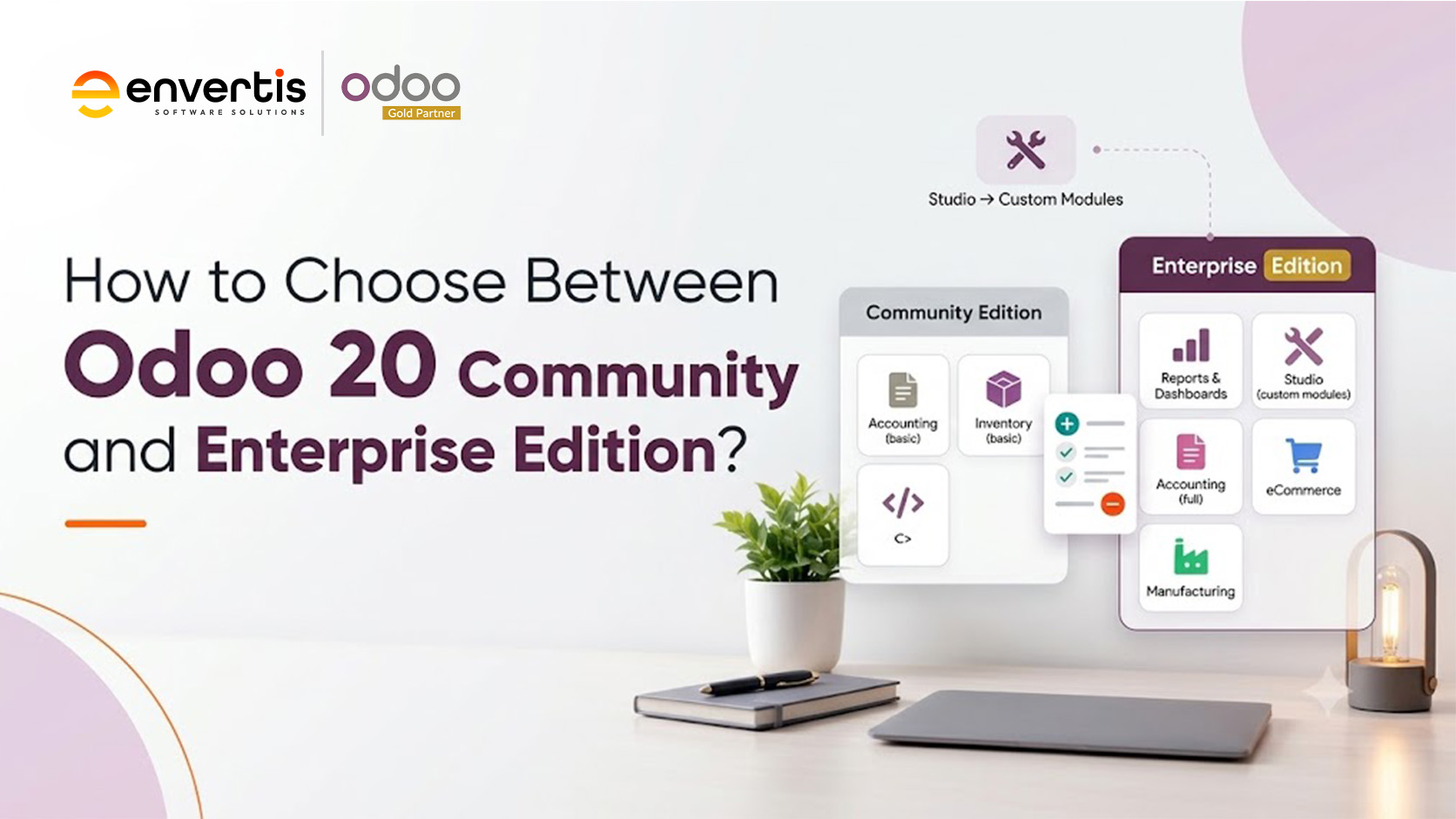
Odoo software shares a single core framework. The Community version is open-source- you can grab it, host it yourself, and tweak it however you want. Enterprise builds on that, adding paid apps, a sleeker interface, more hosting options, and official support.
For Odoo 20, licensing stays the same. Community runs under LGPLv3, which basically means it is free and flexible. Enterprise runs under the Odoo Enterprise license, so you pay per user, but that covers upgrades and support too.
Here is how the Odoo 20 Community vs Enterprise features compare across the areas that matter most to Australian SMEs.
| Area | Odoo 20 Community Edition | Odoo 20 Enterprise Edition |
|---|---|---|
| Licence cost | Free (LGPLv3) | Per-user subscription |
| Accounting | Invoicing and basic ledger | Full accounting, bank feeds, GST and BAS reporting |
| Payroll | Not included | Payroll app with Australian localisation |
| Customisation | Developer needed for changes | Odoo Studio no-code builder (Custom plan) |
| Mobile | Browser access | Full mobile app experience |
| Extra apps | Core apps only | Helpdesk, Field Service, Planning, Sign, Documents, Knowledge |
| Hosting | Self-hosted or partner-hosted | Odoo Online, Odoo.sh or on-premises |
| Version upgrades | Your own migration project | Upgrade service included |
| Support | Forums and partners | Official Odoo support plus partner |
That table answers most of the Odoo 20 Community vs Enterprise feature questions. The bigger question is which gaps actually matter to your business.

Odoo 20 Pricing and Licensing in Australia
Odoo 20 pricing in Australia comes in three practical tiers. Your Odoo 20 licensing choice also determines where you can host the system and whether you can use custom modules. On 24 September 2026, Odoo raised the Australian Custom plan price, while the Standard plan stayed the same.
| Option | Approx. AUD per user, per month (annual billing) | Best suited to |
| Community | A$0 licence | Tech-capable teams with simple processes |
| Standard (Odoo Online) | Around A$43 list, often lower on promotion | Small teams happy with standard apps and no custom modules |
| Custom (Enterprise) | Around A$64 after the September 2026 change | Businesses needing Studio, multi-company, API access, Odoo.sh or on-premise |
Prices as tracked by OEC.sh from the Odoo Australian price list, September 2026. Confirm current rates on odoo.com before budgeting.
Here is what many buyers miss. Odoo 20 pricing is only one line in the budget.
The Panorama Consulting Group 2024 ERP Report found that 33 per cent of ERP projects went over budget, and additional technology requirements were the most common reason.
A free licence does not protect you from that. In fact, it often hides it.
| Cost line | Community | Enterprise |
| Licence | Nil | Per user, per month |
| Hosting | Your servers or cloud, plus admin time | Included on Odoo Online; Odoo.sh billed separately |
| Filling feature gaps | Often significant (reports, payroll, approvals) | Lower, as more is built in |
| Major version upgrades | Paid migration project each time | Upgrade service included |
| Compliance changes | Your developer tracks ATO updates | Odoo maintains the Australian localisation |
| Support | Partner or in-house | Odoo support plus partner |
CTA: Not sure what each edition would really cost you? Get a free three-year cost comparison for your business.
When Odoo 20 Community Edition Makes Sense
Community is a genuine option, not a trap. This version of Odoo software works well when most of these points describe you:
- You have an in-house developer who knows Python and the Odoo framework
- Your processes are simple: sales, purchasing, inventory and invoicing
- Your accounts stay in Xero or MYOB, and Odoo runs operations only
- You are starting with a small user count and a tight budget
- You want full control of the source code
Picture a Perth online retailer with eight staff. Xero handles the books, an external provider runs payroll, and Odoo 20 Community Edition manages stock and the web shop. For that business, paying for Enterprise apps it will never open makes little sense.
When Odoo 20 Enterprise Edition Is the Smarter Investment
The picture changes quickly once your business carries more complexity. Odoo 20 Enterprise Edition usually earns its keep when:
- You want accounting, GST and BAS reporting inside the same system as sales and stock
- You run payroll in Odoo and need Single Touch Payroll Phase 2 reporting to the ATO
- You manage multiple warehouses, branches or entities
- Your sales reps, drivers or technicians work from mobile devices in the field
- You want new Odoo 20 features without a migration project each release
- You do not have a developer on staff to patch gaps
In most Odoo Community vs Enterprise reviews, payroll is where the decision tips. Many Australian businesses still connect a specialist platform such as Employment Hero for complex award interpretation. A good partner will tell you plainly when that is the better path, rather than forcing everything into one app.
Odoo Enterprise vs Community: A Quick Decision Matrix
Many owners type “Odoo 20 Community vs Enterprise which is better” into Google and expect one clear winner. The honest answer is that the better edition fits how your business will look in three years, not how it looks today. Use this matrix as a starting point.
| If this sounds like you | Lean towards |
| Under 10 users, simple trading, in-house developer | Community |
| Accounting, GST and BAS in one system | Enterprise |
| Payroll with STP Phase 2 reporting | Enterprise |
| Heavy customisation by your own dev team | Community or Enterprise Custom |
| Multi-company or multi-warehouse operations | Enterprise |
| Fast access to Odoo 20 AI and productivity tools | Enterprise |
| Unsure how fast you will grow | Enterprise Standard, then review |
Can You Start on Community and Move to Enterprise Later?
Yes, and plenty of businesses do. Odoo supports moving from Community to Enterprise, and your core data comes across.
The effort sits in the detail: custom modules may need rework, and any reports your developer built to cover missing features may become redundant.
The Odoo Community vs Enterprise decision is therefore not permanent, but switching is not free either. A planned move costs far less than an emergency move in the middle of the financial year.
Common Mistakes Australian SMEs Make
After years of watching businesses choose an edition, the same mistakes keep coming up. Ask a good partner, “Odoo 20 Community vs Enterprise, which is better?” and they will answer with questions first.
Here is what to avoid:
- Choosing on licence cost alone and ignoring three-year running costs
- Assuming Community includes full accounting and BAS reports
- Forgetting upgrade costs when the next major version lands
- Over-customising a system that already does the job
- Going live without local expertise in ATO and payroll requirements
Each of these is avoidable with a structured review before you commit to any Odoo software edition. That review is where an experienced Odoo partner adds the most value.
Getting the Decision Right with Envertis
Envertis has guided Australian businesses through ERP decisions since 2006. We became an Odoo partner in 2017, were recognised as an Odoo Centre of Excellence in 2018, and became an Odoo Gold Partner in 2024. Today we have completed more than 80 Odoo implementations.
With offices in Sydney, Melbourne, Brisbane, Adelaide and Perth, our team handles Odoo implementation Australia wide, from edition selection and data migration to training and support. Whether you land on Community, Standard or Odoo Enterprise Australia pricing, we will show you the three-year numbers before you spend a dollar.
CTA: Not sure which edition fits your business? Book a free Odoo 20 edition assessment with Envertis.
Frequently Asked Questions
Q. What is the difference between Odoo 20 Community and Enterprise?
Odoo Community is the free, open-source version and includes basic apps like sales, inventory, and invoicing. Enterprise adds extra features and licensed apps like full accounting, payroll, Studio, Helpdesk, plus hosting, upgrades, and official support. The main difference is that Community gives you the essentials, but if you want more, you will need to build or integrate it yourself. Enterprise includes more stuff right out of the box.
Q. Odoo 20 Community or Enterprise, which should I choose for a small business?
Go with Community if your business processes are pretty straightforward, your accounting stays in Xero or MYOB, and you have a tech-savvy person on your team. Enterprise makes sense if you want accounting, GST, BAS, and payroll in a single system. If you’re still undecided and asking, “Should I pick Odoo 20 Community or Enterprise?”, take a quick look at your workflows and requirements to decide.
Q. Is Odoo 20 Community Edition free for Australian businesses?
Yes. The licence costs nothing, and you can use it commercially. You still pay for hosting, setup, any custom development and future upgrades, so the total cost of ownership is never zero.
Q. How much does Odoo Enterprise cost in Australia?
As of September 2026, the Odoo Enterprise Custom plan costs about A$64 per user per month if you pay yearly. The Standard plan is around A$43 at the list price. Prices shift, so check odoo.com for the latest rates if you are in Australia.
Q. Does Odoo Community handle GST, BAS and STP Phase 2?
Community covers GST on invoices through the Australian localisation, but full BAS reporting and payroll with STP Phase 2 sit in Enterprise. Some businesses pair Community with an external payroll platform to fill that gap.
Q. Can I upgrade from Odoo Community to Enterprise later?
Sure, you can bring your data over, but custom modules might need some reworking. If you are thinking about moving from Community to Enterprise, plan. It saves headaches and keeps costs down.
