
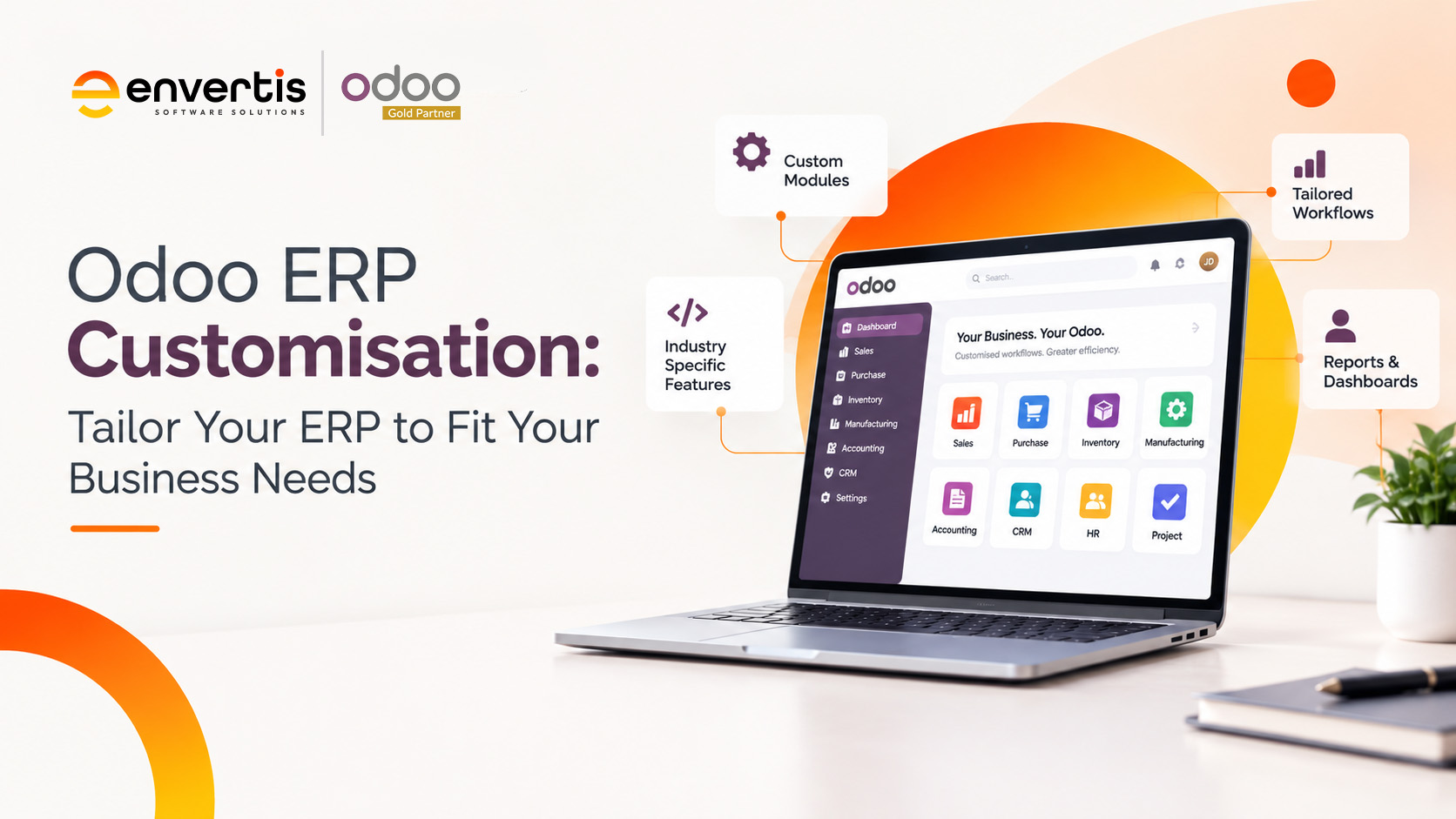
Every business has unique processes, operational challenges, and growth objectives. Using software that cannot adapt to these requirements can create unnecessary complexity, increase manual work, and limit productivity. Odoo ERP customisation allows businesses to tailor their ERP systems to their specific needs, helping them streamline operations, improve efficiency, and build a stronger foundation for growth.
What Is Odoo ERP?
Think about how a library operates. The librarian manages books, tracks borrowed items, monitors return dates, and maintains membership records through a library management system. This organised approach keeps everything running smoothly.
An Enterprise Resource Planning (ERP) system works similarly, but across an entire business. It connects essential functions such as sales, purchasing, inventory, manufacturing, accounting, and human resources within a centralised platform.
Odoo is an integrated business management platform that brings these functions together through interconnected applications. Previously known as TinyERP and OpenERP, Odoo offers Community and Enterprise editions, giving businesses options based on their operational and technical needs.
Its modular architecture lets organisations choose the applications they need and expand their systems as requirements change. With Odoo ERP Customisation, businesses can go beyond standard functionality by adapting workflows, developing additional features, and connecting existing business applications.
From startups to established enterprises, Odoo provides a flexible foundation for managing operations, automating processes, accessing business information, and supporting sustainable growth.
Why Does Your Business Need Odoo Customisation?
Although standard Odoo applications cover many common business requirements, every organisation operates differently. Your purchasing process, approval hierarchy, reporting structure, and customer management workflows may not match another company’s.
Odoo offers several ways to address these differences. Businesses can configure existing applications, introduce additional features through third-party apps, use Odoo Studio for supported customisations, or develop custom modules for more complex requirements.
Odoo ERP Customisation helps align your technology with your actual business processes instead of forcing employees to adjust to software limitations.
Whether you need specialised inventory controls, customised financial reports, automated approval workflows, or integrations with external applications, a tailored Odoo environment can help your team work more effectively.
Key Benefits of Odoo ERP Customisation
1. Increased Operational Efficiency
Repetitive administrative tasks can consume valuable working hours and increase the likelihood of human error. Customising Odoo allows businesses to automate suitable activities, simplify workflows, and reduce unnecessary manual data entry.
For example, a business can introduce automated notifications, tailored approval processes, and workflow rules that support its operational requirements. These improvements help employees spend less time on routine administration and more time on activities that contribute to business objectives.
2. Improved Scalability and Flexibility
Business requirements rarely remain unchanged. As your organisation expands, you may need additional users, new departments, more sophisticated reporting, or support for multiple warehouses and locations.
Odoo ERP Customisation lets businesses extend their existing environment as requirements evolve. Custom modules, additional applications, and revised workflows can help accommodate operational changes without requiring an entirely new ERP platform.
A carefully planned approach also helps ensure that customisations remain maintainable as the underlying Odoo system evolves.
3. Enhanced User Experience
Employees are more likely to use business software effectively when its interface and workflows reflect their responsibilities.
With Odoo customisation, businesses can introduce relevant fields, simplify forms, adjust views, and organise information around specific job functions. Odoo Studio also provides tools for supported interface and application changes without requiring traditional programming for every adjustment.
A more intuitive system can reduce the learning curve, improve user adoption, and help employees complete everyday tasks with greater confidence.
4. Better Business Intelligence and Decision-Making
Informed decisions require access to accurate, relevant, and timely information.
Customised Odoo dashboards and reports can help businesses monitor the performance indicators that matter most to their operations. Depending on the available data and implementation, these reports may cover sales performance, stock movements, purchasing activity, production efficiency, or financial results.
By presenting information in a format that supports management requirements, Odoo can help decision-makers identify operational trends, investigate issues, and plan their next steps more effectively.
5. A More Adaptable Business Operation
Businesses often need to respond to changing customer expectations, supplier conditions, and market requirements.
A tailored ERP system can support this adaptability by aligning software functionality with the way your organisation operates. Custom workflows, specialised applications, and system integrations can help address requirements that standard configurations may not fully accommodate.
This flexibility allows businesses to refine processes and introduce operational improvements while maintaining a connected business management environment.
6. Cost Efficiency and Long-Term Value
Evaluate ERP customisation in terms of long-term business value, not just initial development cost.
Selecting relevant applications and implementing carefully scoped enhancements can help businesses avoid unnecessary complexity and reduce spending on functionality that does not support their objectives.
Automation, improved data accuracy, and streamlined processes may also contribute to operational savings over time. However, customisation involves development, testing, maintenance, and upgrade considerations. Businesses should therefore assess the expected benefits against the total cost of ownership before proceeding.
How to Plan Your Odoo ERP Customisation Project
A structured implementation approach helps ensure your customised ERP system addresses real business needs and remains practical to maintain.
Step 1: Assess Your Business Requirements
Begin by reviewing your existing processes, challenges, and operational objectives. Identify repetitive tasks, reporting limitations, disconnected applications, and workflows that require improvement.
Consult employees and department managers to understand their daily responsibilities and gather the information needed to define clear project requirements.
Step 2: Choose the Right Odoo Applications
Odoo provides applications for sales, CRM, accounting, inventory, manufacturing, human resources, marketing, and other business functions.
Select the applications that directly support your priorities. Starting with essential functionality can help control project complexity while creating a foundation for future expansion.
Step 3: Configure and Customise with Odoo Studio
For supported requirements, Odoo Studio offers a visual way to modify applications. Depending on your Odoo edition and version, it can help you create fields, adjust views, design reports, and configure certain automated actions.
Use standard configuration and available visual tools wherever they meet your needs. This reduces unnecessary development and simplifies ongoing maintenance.
Step 4: Develop Custom Modules When Necessary
Some business requirements may extend beyond standard configuration or Studio capabilities.
In these situations, experienced developers can build custom modules to introduce specialised functionality, modify workflows, or support complex business rules. Odoo custom development commonly involves Python and relevant web technologies.
Documenting requirements, following development standards, and planning for future upgrades from the start can help protect your ERP environment’s long-term reliability.
Step 5: Integrate Third-Party Applications
Your business may already rely on payment gateways, e-commerce platforms, shipping providers, warehouse technologies, or other specialist applications.
Integrating these systems with Odoo can reduce duplicated data entry and improve information flow between departments. Before implementation, assess compatibility, data synchronisation requirements, security, and ongoing integration maintenance.
Step 6: Test, Train, and Launch
Before deploying your customised ERP system, conduct thorough testing to confirm that the applications, integrations, reports, and automated workflows operate as expected.
User acceptance testing (UAT) allows employees to validate the system against real business scenarios. Resolve identified issues, prepare user documentation, and provide appropriate training before moving into the live environment.
After launch, monitor system performance, collect user feedback, and review whether the customisations are delivering the intended operational benefits.
Build an ERP System Around Your Business with Envertis
Your ERP system should support the way your business works, not create additional barriers to productivity. Odoo ERP customisation gives organisations the flexibility to refine workflows, introduce specialised capabilities, integrate existing applications, and adapt their technology as business requirements evolve.
The key is to customise strategically. Start with clearly defined operational challenges, prioritise improvements that deliver measurable value, and choose an implementation approach that supports long-term maintainability.
For Australian businesses exploring tailored ERP solutions, working with an experienced Odoo service provider such as Envertis can help turn specific operational requirements into a practical implementation and customisation roadmap.
Frequently Asked Questions
1. What is Odoo ERP customisation?
Odoo ERP customisation means changing the system so it matches how your business actually works. This can include adding custom fields, building new reports, changing workflows or creating modules for processes the standard version does not cover. The goal is to make Odoo fit your business, rather than forcing your team to change how they work.
2. Why would a business need to customise Odoo?
Standard Odoo covers most common business needs, but every company has its own processes. You might have unique pricing rules, approval steps or industry requirements. Customisation helps remove manual workarounds, reduce errors and save staff time. It also makes the system easier for your team to adopt.
3. Can Odoo be customised without affecting future upgrades?
Yes, if it is done properly. A good Odoo partner builds changes as separate modules instead of editing the core code. This approach keeps your customisations safe and makes version upgrades much smoother. Poorly built changes, on the other hand, can break during upgrades and cost more to fix later.
4. How much does Odoo customisation cost?
The cost depends on the scope and complexity of the work. Simple changes, such as new fields or report layouts, are usually quick and affordable. Larger projects, like custom modules or third-party integrations, take more time and budget. A detailed requirements review helps you get an accurate quote before work begins.
5. What is the difference between Odoo configuration and customisation?
Configuration uses the settings already built into Odoo, such as tax rules, user permissions or product categories. No coding is needed. Customisation goes further and involves development work to add features or change how the system behaves. Most businesses need a mix of both.
6. How long does an Odoo customisation project take?
Small changes can be completed in a few days. Bigger projects with multiple modules, integrations and testing can take several weeks or months. The timeline also depends on how clearly your requirements are defined at the start. Working with an experienced Odoo Gold Partner like Envertis can help keep the project on track.
