
Blogs
Compare Odoo vs QuickBooks for Australian wholesalers. Discover how Odoo ERP integrates inventory, suppliers, sales orders and accounting in one system.
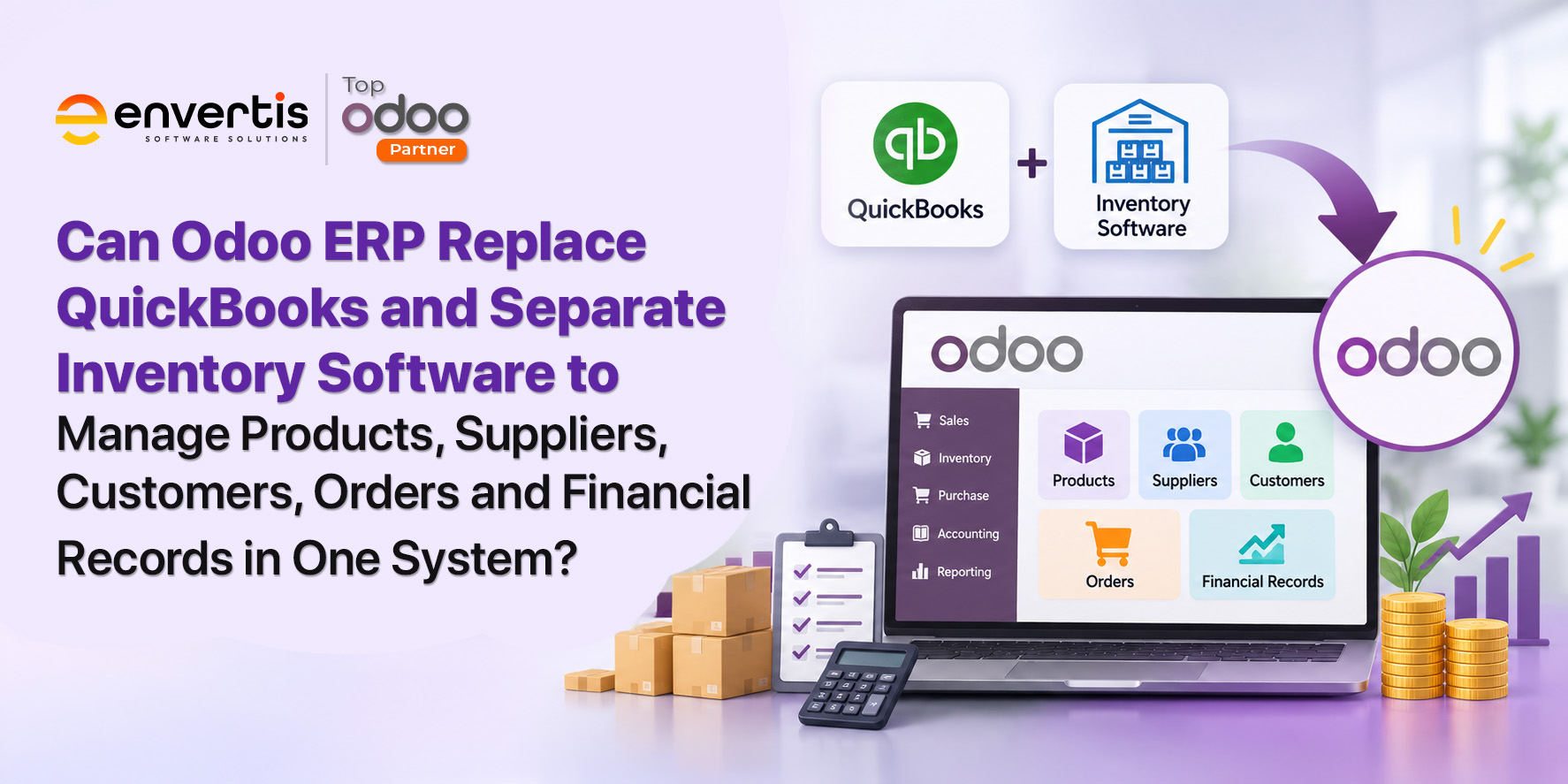
It is 4:45 in the afternoon on Friday, and a major client in Brisbane demands 200 units to be delivered by the end of the day on Monday. Your inventory app has recorded 240 units in stock. QuickBooks has recorded 180 items paid for. However, your warehouse team has found only 150 items in stock.
It is unclear which number is correct. Therefore, you go ahead and promise the delivery and keep your fingers crossed.
This is common for many wholesale companies in Australia. Sales data is kept separate in one system. Inventory count is recorded in another system. Financial records are maintained in QuickBooks. Hence, it is not surprising that many companies are looking at Odoo vs QuickBooks inventory management.
The real question goes beyond accounting.
Can any one system bring together your products, suppliers, customers, orders and financial records, without gaps?
For most growing product businesses, the answer is yes. This blog reveals how and where the borders are.
Small and mid-sized firms are the backbone of Australia's economy. According to statistics provided by the Australian Bureau of Statistics, by June 30, 2025, the number of trading businesses reached 2,729,648. Reports indicate that 97.3% of these firms are small businesses.
The majority of these firms use simple accounting software for SMEs. It works well only for the first day of operations. When businesses expand by adding warehouses, foreign suppliers, and trade customers, this software stops being effective.
Market Insight: Every GST-registered business lodges a Business Activity Statement (BAS). When sales, purchases and stock live in different tools, BAS prep turns into a reconciliation job. Odoo’s Australian accounting package includes GST taxes and a BAS report built from your real transactions. You still lodge with the ATO yourself, but the figures are already there.
The same tendency emerges in our contacts with Australian wholesalers. Employees spend hours every week transferring information from one system to another. This creates small mistakes that reduce margins. These stock errors have a considerable impact. According to research by IHL Group in 2025, the cost of inventory distortion around the globe is $1.73 trillion every year, which is equal to more than 6.5% of worldwide retail sales.

Is your current setup leaking money?
Book a free Odoo consultation with Envertis. We will map your current tools, show you where data breaks down, and tell you honestly whether Odoo fits.
Book My Free ConsultationLet’s be honest: QuickBooks is a very reliable accounting tool. Stock, however, is a different story altogether. QuickBooks Online does allow basic stock tracking, but it has several limitations, which many wholesalers find unacceptable.
They may need multiple storehouses, traceability features, batch numbers, or landed costs, etc., and have to search for separate stock apps for that. So you end up with two systems that must synchronise daily, but often don't.
Here is what we get when auditing those setups:
Each gap is small on its own. Together, they quietly leak revenue.
Odoo Envertis Tip:
Before you compare software, list every spreadsheet your team opens in a normal week. Each one marks a job your current system cannot do. That list becomes your real requirements list
An enterprise resource planning (ERP) system comprises a single database for the entire organisation. However, Odoo ERP software divides this system into applications that one can choose to use at any time. Each application reads and writes the same data records.
| Business area | Odoo app | What it does | What changes for you |
|---|---|---|---|
| Products and stock | Odoo inventory management | Gives each product one record. Supports multiple warehouses, barcode scanning, batch or serial numbers, and reorder rules. | Stock counts match across sales, the warehouse and accounts—no more Friday afternoon panic. |
| Suppliers and purchasing | Odoo supplier management | Keeps vendor prices, lead times and past orders in one place. Drafts a purchase order when stock hits its minimum. | Buying data moves out of emails and spreadsheets. |
| Customers and sales | Odoo Sales and CRM | Holds one history per customer: quotes, orders, deliveries, invoices and payments. | Your sales team sees live stock before they promise a date. |
| Orders, quote to cash | Odoo sales and purchase management | Links each step. A quote becomes an order, the order creates a delivery, and the delivery triggers the invoice. | Nobody retypes anything, so double entry disappears. |
| Financial records | Odoo financial management software | Handles invoices, bills, bank feeds and GST. Posts stock value to the ledger as goods move. | Your margin report reflects today, not last month. |
When discussing Odoo vs. QuickBooks inventory management, the product record plays a crucial role.
This is the essence of integrated accounting and inventory software. This is not about two standalone applications communicating with each other. Instead, it is one software package.
Market Insight: Many Australian distributors import in US dollars and sell in Australian dollars. Odoo handles multi-currency buying and selling in one ledger. It can also add landed costs, such as freight and duty, to the product cost. That shows you the true margin on every shipment.
The truthful response is that not all companies need to convert to ERP. If you are a freelancer or a consultancy company, QuickBooks does its job perfectly. The same is true if you have a couple of dozen items in your warehouse. In those cases, ERP is more than you need. However, Odoo accounting software becomes a solution when your business situation meets certain criteria. You have hundreds/thousands of items, more than one warehouse, or produce products. You work with B2B clients and need to import products or learn your landed costs.
For those businesses, Odoo is a strong QuickBooks alternative for businesses that move physical goods. It works as business management software with accounting and inventory in one place. One word of caution. Odoo is flexible, and that cuts both ways. You can replicate your previous breakdown into a new system through improper setup. Software does only half the work. Clean data and a transparent process make up the other half.
How to Make the ERP Migration Safely
The safest option is to use a phased rollout approach. Start with the applications that solve your largest problem. Most wholesalers will need to start with the software for Inventory, Sales, Purchases, and Accounting. You can roll out additional applications once your staff becomes comfortable.
Odoo Envertis Tip:
Do not migrate dirty data. Archive old products and duplicate customers before the move. A clean start makes Odoo faster to learn and easier to trust.
First, migrate all master data, such as products, customers, suppliers, and opening balance data. Continue to keep your existing QuickBooks file as a read-only backup for old data. A local partner helps in these circumstances. Staff familiar with Odoo Australia implementations will organise Australian bank payment files, BAS reporting, and GST right away.
Final Words: Envertis Can Help Prevent Revenue Leaks
Revenue leaks result from weaknesses between networks, not bad choices. For instance, if the stock level does not correspond to the time. Or if the supply is entered by mistake twice. Likewise, if the supplier price is not up to date, Odoo accounting software is able to fix these issues by consolidating products, suppliers, customers, orders and financial data together. However, software won't fix business problems on its own. Its configuration should comply with business standards that you follow in your trade.
Envertis is a certified Odoo partner with offices in Sydney, Melbourne, Brisbane, Adelaide and Perth. Our team collaborates with wholesalers, distributors, manufacturers, and exporters in Australia from the initial review phase to the live launch process and beyond. We begin with a business process review aimed at finding possible weaknesses in your business processes. After that, we configure Odoo for your warehouses and landed costs. We link your Odoo system with your online store and banks to keep your business running smoothly. Your system is compliant with local Australian taxation requirements such as GST, BAS, and Peppol.
Most businesses spot more than one revenue leak in their first session. The sooner you find them, the less they cost.
Book an Odoo ConsultationThe answer is affirmative with regard to most product-selling companies. It handles invoicing, billing, bank feeds, GST, and BAS reporting, as well as the separate stock application, so that you can use one platform instead of two
It depends on your size. If you need stock, sales, purchasing and accounts in one place, Odoo is a strong QuickBooks inventory management alternative.
No, as long as you implement it progressively. Starting with a few key apps is the best way to use Odoo ERP for a small business. As you grow, you can add more.
Yes. The Australian accounting package includes GST and a BAS report. Odoo is also compliant with Australia’s Peppol e-invoicing network.
Yes. As Odoo all in one business management software, it runs sales, stock, buying, manufacturing and accounts on one database.
You do not have to use one. A certified partner does lower the risk, though. They typically handle training, data migration, setup, and Australian tax regulations.
Get free consultation and let us know your project idea to turn it into an amazing digital product.

Se 506, 8 Help Street, Chatswood, NSW 2067
324 Queen Street, Brisbane, QLD 4000
171 Collins Street, Melbourne, VIC 3000
